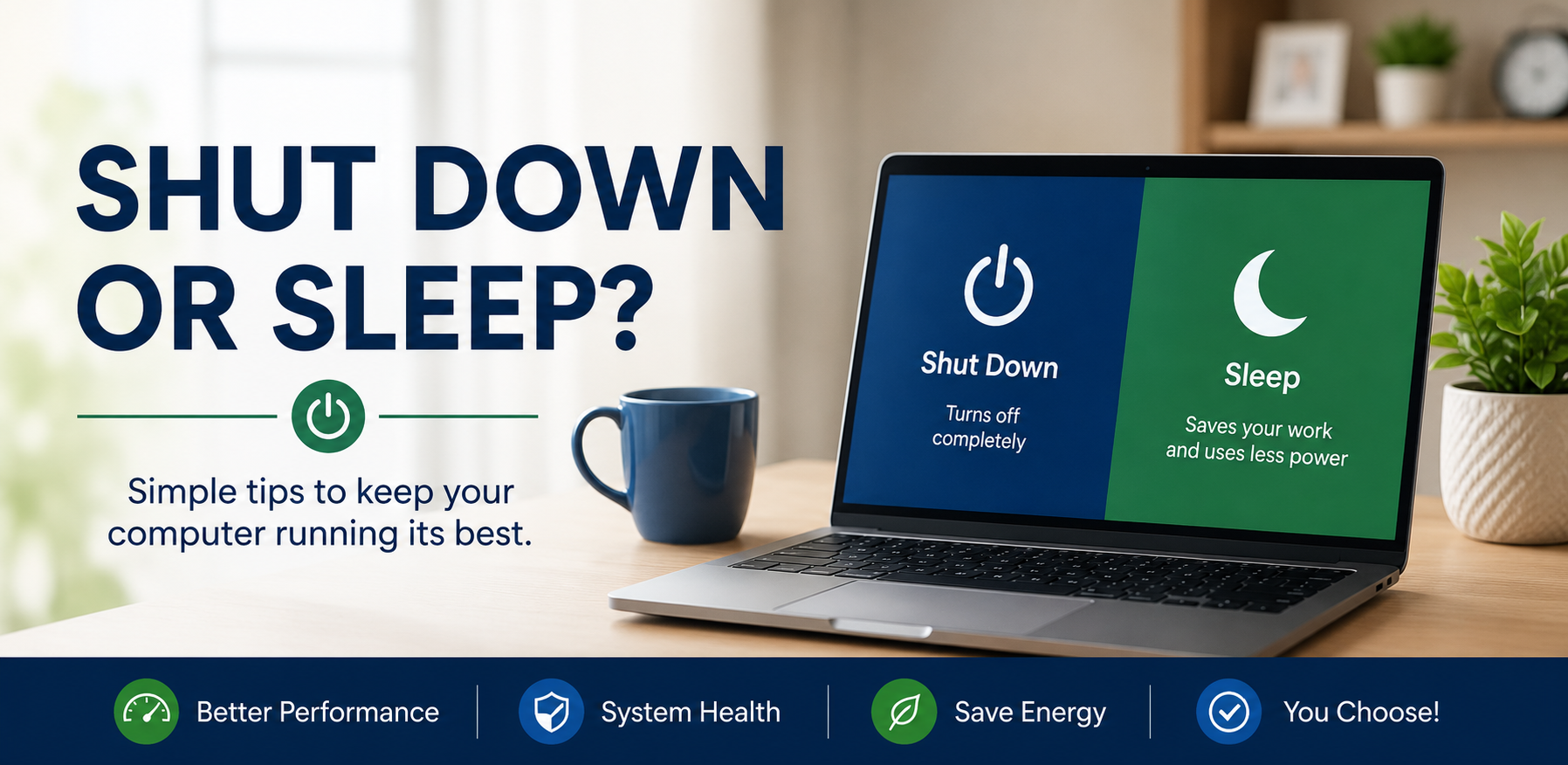
If you’ve ever wondered whether you should shut down your computer every night or simply let it go to sleep, you’re not alone. It’s one of the most common questions we hear from customers. The good news is that there isn’t one “right” answer. Both options are perfectly safe for modern computers, and the best choice depends on how you use your computer each day.
Putting your computer to Sleep is a great option if you use it regularly throughout the day. Sleep mode uses very little electricity while allowing your computer to wake up in just a few seconds. Your open programs, web pages, and documents are right where you left them, making it quick and convenient. Most newer computers are designed to spend a lot of time in sleep mode without any issues.
Shutting your computer completely off still has its benefits. A full shutdown gives Windows a fresh start the next time you turn it on and can help clear up small glitches or slowdowns. It’s also the best choice if you’re leaving town, won’t be using your computer for a few days, or after installing Windows updates that require a restart. In fact, many updates don’t fully install until your computer has been restarted.
Our recommendation is simple: use Sleep for everyday convenience and restart your computer about once a week to keep everything running smoothly. If your computer starts acting unusually slow or programs begin freezing, a restart is often the first and easiest thing to try. And if that doesn’t solve the problem, we’re always happy to help. Sometimes a quick tune-up is all it takes to get your computer feeling fast again.


